Content Brain
Turn a clip idea into captions, hooks, hashtags, titles, and posting angles.
Content BrainCreator tools for clips, audio, and ideas
ClipForge AI Studio helps creators turn videos, transcripts, audio, and raw ideas into hooks, captions, scripts, edit notes, voice previews, and posting plans.
New accounts can try Content Brain, Video Forge, and Voice Forge with free starter packs.
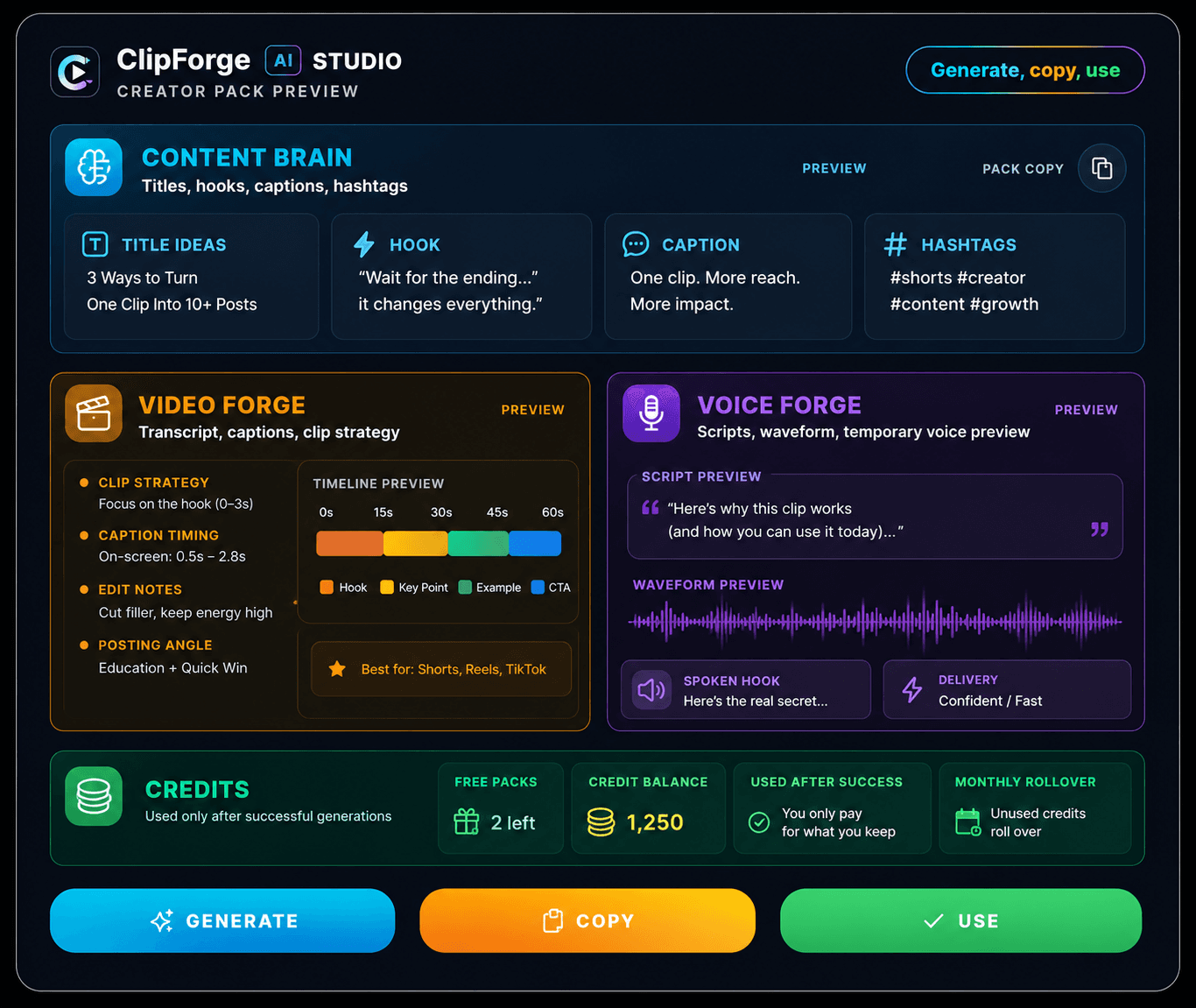
Copy generated packs from the page and save them anywhere.
Use content packs, video strategy notes, and voiceover scripts in one studio.
Credits are used only after a successful generation.
Use the interface and new outputs in supported languages.
Choose your forge
Start with the tool that matches what you have, then copy the generated pack from the page.
Turn a clip idea into captions, hooks, hashtags, titles, and posting angles.
Content BrainUpload a clip or audio file, use transcript-aware generation, and build a stronger video posting plan.
Video ForgeCreate voiceover scripts and one temporary voice preview that is not saved by ClipForge.
Voice ForgeUse credits only when you generate. Buy one-time credits or choose monthly rollover credits.
View CreditsHow it works
ClipForge keeps the MVP simple: choose a tool, add context, generate the pack, and copy what you need.
Start with Content Brain, Video Forge, or Voice Forge based on what you want to create.
Describe the moment, upload a clip/audio file, or write what the voice should say.
ClipForge builds titles, hooks, captions, hashtags, notes, and posting angles.
Copy your results, download temporary Voice Forge audio when available, and use them in your own posting workflow.
Buy one-time credits when you need them, or choose monthly rollover credits for consistent use. New accounts start with free packs before paid credits are used.
One-time credits
Add credits anytime. No subscription required.
Monthly plans
Get rollover credits added every month. Cancel anytime.
Built for simple, safe creation
No uploaded video file is saved by ClipForge AI Studio.
Voice previews are temporary and not saved.
Credits are used after successful generation.
Generated results can be copied directly from the page.